





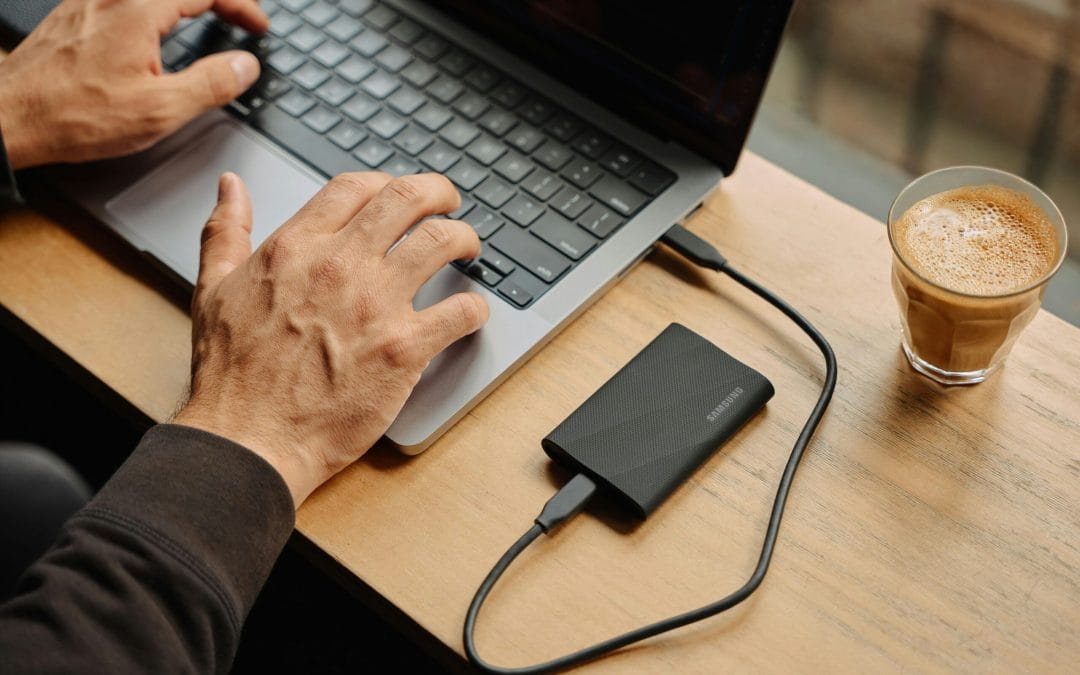
Best Practices for Secure Data Backup
These days, everything is digital. We deal with data every day: from personal photos to work files that hold a lot of value. What happens if you lose that? Well, this is the reason behind doing secure backups of data. Let’s go through some best practices to keep your...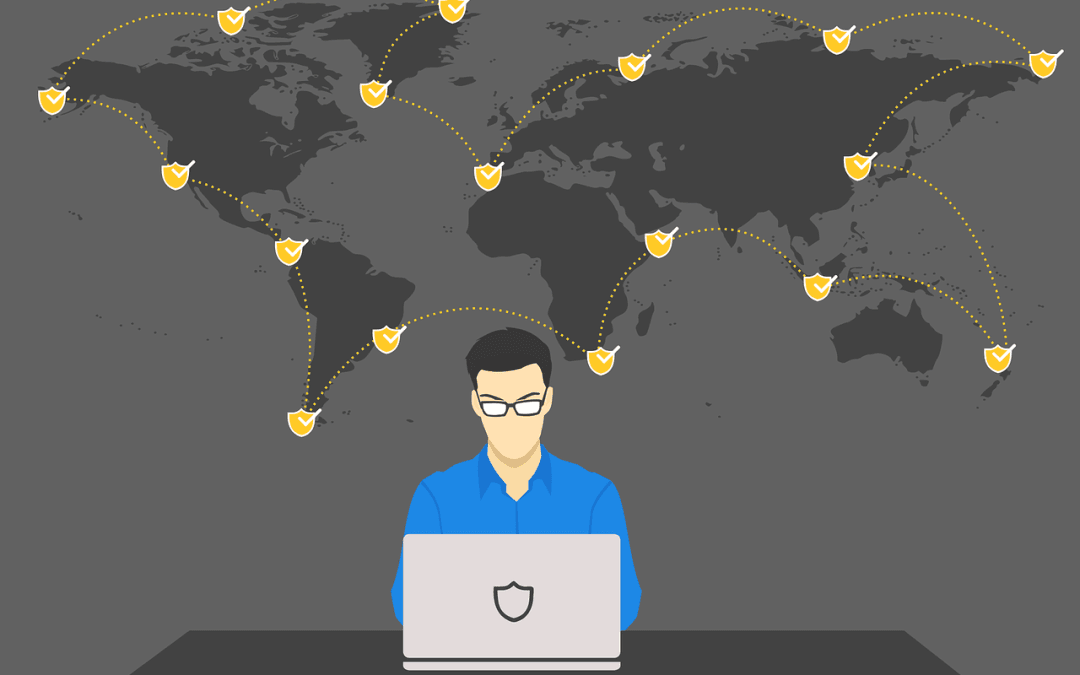
5 Common Cyber Threats in 2025 (and How To Avoid Them)
In 2025, cyber threats are in almost every nook and corner. They might be with the intent to destroy computers, steal data, or take money. Understanding what they are and how protection against them works will come in handy.What Are the Most Common Cyber Threats?They...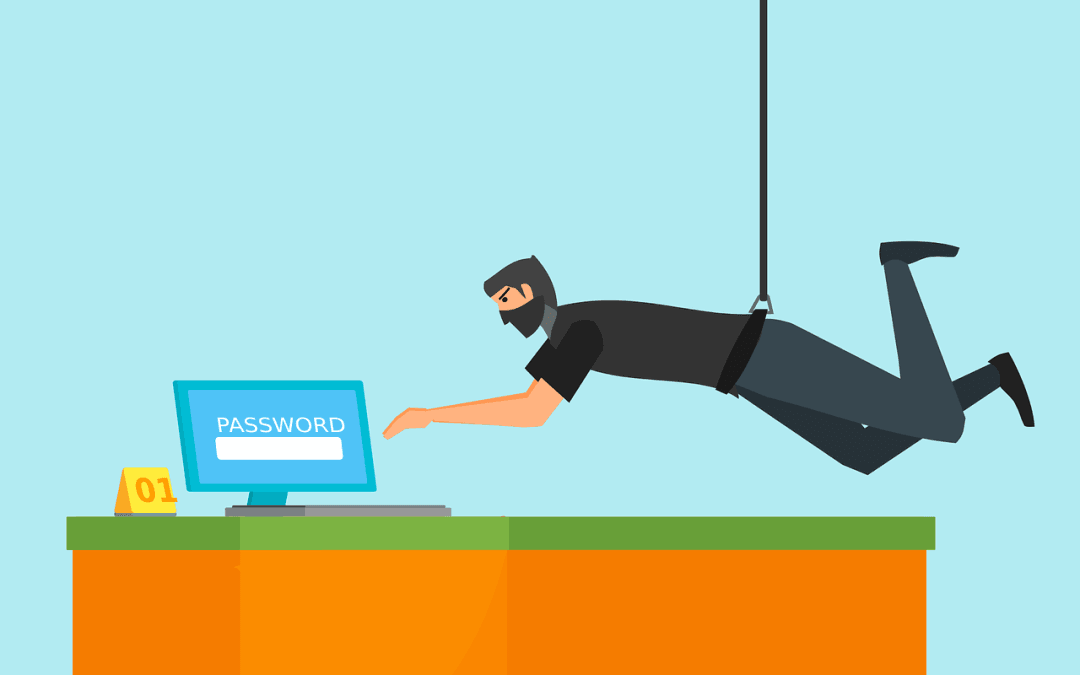
Can Password Managers Be Hacked?
Password managers keep our online accounts safe. They store all our passwords in one place. But are they hackable?What Are Password Managers?Password managers are like digital vaults: they save all your passwords inside themselves. You need only remember one master...